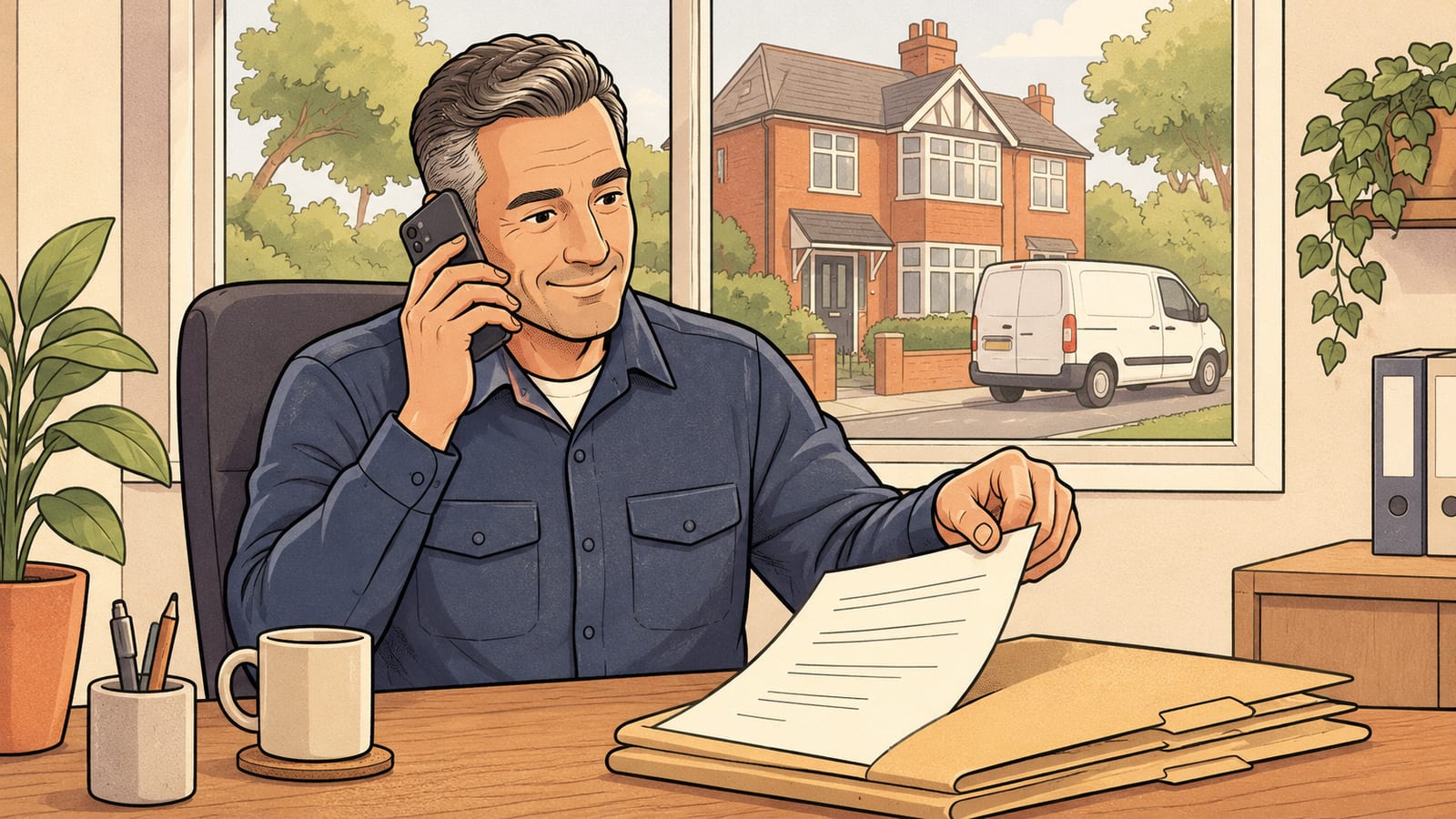

You complete fifty heating and cooling jobs in a month, and almost every homeowner is happy. Yet on Google, the only new comment is from one frustrated caller, while a rival sits at the top with hundreds of five-star ratings.
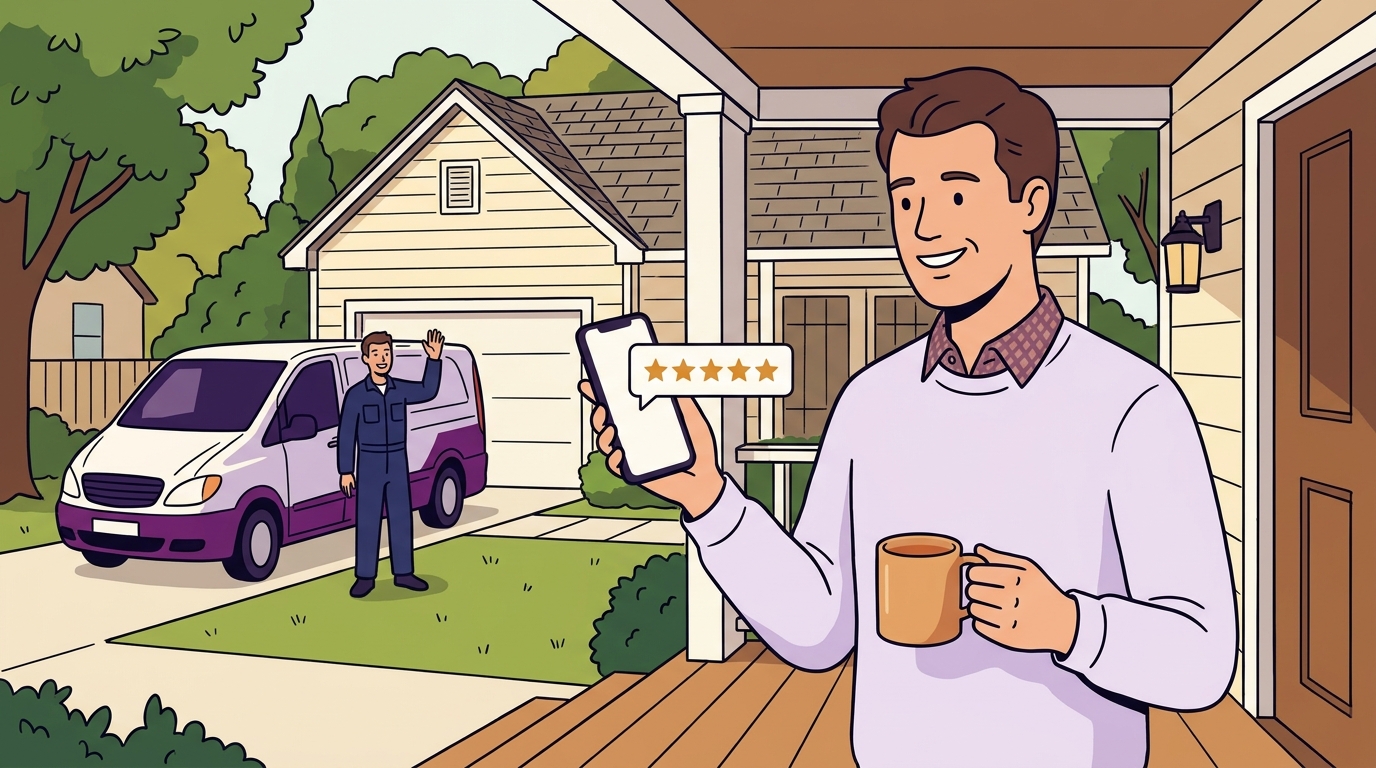
HVAC review automation fixes this by linking your job sign-off to a polite text message sent 15 minutes after your engineer leaves. Instead of relying on busy technicians to ask at the door, the system sends a direct link while the warm house or cool room is still fresh in mind.
This is Day 7 of our 15-Day HVAC Systems Series. On Day 5, we covered curb-close invoicing, and on Day 6, we built an estimate follow-up routine. Now we turn that clean job handoff into steady local proof.
Why great HVAC work still loses on Google
Happy homeowners rarely think about your Google Business Profile. Once the boiler fires up or the air conditioning cools the room, they move on with their day.
Unhappy customers stay motivated to vent online. When satisfied customers stay silent, one bad afternoon skews your public score for months.
According to the BrightLocal Local Consumer Review Survey, 97% of consumers read online reviews for local businesses, and 41% always read them before choosing a provider. The same survey found that 31% will only use a business with 4.5+ stars, while 47% avoid businesses with fewer than 20 reviews.
Recency matters just as much. BrightLocal reports that 74% of consumers only trust reviews written within the last three months, and 45% now use AI search tools for local recommendations—tools that rely on fresh, consistent review profiles.
The 15-minute fresh smile trigger
The best time to ask for feedback is right after the problem is solved, not in a Friday batch email. We call this the Fresh Smile Review Trigger because it catches the homeowner while they feel the relief of a working system.
Here is the three-step sequence:
- Curb completion: Your engineer captures the sign-off photo, signature, and payment on their tablet before driving away.
- 15-minute buffer: The system waits 15 minutes so the message feels natural, giving the homeowner time to settle back in.
- One-tap Google link: A short text arrives with your direct link, opening the five-star rating box in one tap.
One practical lesson from field deployments: always trigger the timer from a verified "Job Completed & Paid" status, never from "Engineer Arrived" or an open warranty callback. Sending a cheerful text while a fault remains open invites a one-star complaint.

Keep every review request short and direct
Long emails get ignored, and paper cards end up in the bin. A short SMS works because homeowners already have their phone in hand and can finish in under thirty seconds.
Keep your review request under 160 characters, use the customer's first name, and name the engineer:
Hi Sam, thanks for choosing [Company Name] today. If Alex looked after your heating system well, would you mind sharing a quick Google review? [Direct Link]
Never ask homeowners to search for your company name. Sign in to your Google Business Profile on a desktop browser, click Read reviews, select Get more reviews, and copy your official short link.
| Approach | Typical timing | Customer effort | Consistency |
|---|---|---|---|
| Verbal ask at the door | Before engineer leaves | High (must search Google later) | Low (forgotten on busy days) |
| Friday batch email | 3 to 7 days after job | Medium (buried in inbox) | Medium (depends on office admin) |
| Automated 15-minute SMS | 15 minutes post-curb close | Low (one-tap direct link) | High (runs on every completed job) |
Avoid review gating and incentives
Many software vendors pitch "smart filtering" that asks customers to rate you 1 to 5 internally, then sends happy callers to Google while hiding unhappy ones in a private inbox. Google strictly prohibits this practice.
Under Google Business Profile fake engagement policies, businesses cannot selectively ask only happy customers for public reviews or discourage honest negative feedback. You are also banned from offering discounts, gift cards, or prize draw entries in exchange for a review.
Violating these rules risks having your reviews wiped or your profile restricted. If a customer had a poor experience, fix the issue quickly in private—and still treat every completed job fairly in your public invitation flow.
Keep review invites compliant in the UK
In the UK, automated texts and emails fall under the Privacy and Electronic Communications Regulations (PECR). The Information Commissioner's Office (ICO) guidance draws a strict line between neutral service messages and promotional marketing.
Asking a customer to leave a public review to promote your business—or bundling a review ask with an offer—can count as direct marketing. Stay compliant using the soft opt-in rule or clear consent:
- Collect the customer's mobile number or email directly during the booking or job.
- Reference only your own similar heating and cooling services.
- Provide a simple opt-out at booking and in every message (such as replying STOP).
- Never text anyone who has opted out or has an open complaint.
Reply to every review and test on 10 jobs
Collecting the rating is only half the loop. BrightLocal's 2026 survey shows that 89% of consumers expect business owners to respond to both positive and negative reviews.
Set aside ten minutes every Friday to reply. Thank happy customers naturally, and respond to criticism calmly with an invitation to call the office so future readers see how you handle issues.
You do not need expensive software to start. Test this on your next ten completed jobs using your existing job tool or connect it through Axontick's workflow automation service, track how many links convert, and let HVAC review automation run quietly behind every curb sign-off.
FAQ
When should an HVAC company ask for a review?
Ask 15 minutes after the engineer completes the curb sign-off and collects payment. At that moment, the homeowner has just experienced a working system, your engineer's name is fresh, and a short text feels like a natural wrap-up.
Is review gating allowed on Google?
No. Google Business Profile policies ban selective solicitation, meaning you cannot filter out unhappy customers and only send the public link to 4-star and 5-star ratings. Offering discounts, cash, or prize draws for reviews is also prohibited and can restrict your profile.
Can you send review texts under UK PECR?
Yes, if you follow UK ICO rules for electronic marketing. Because a public review ask can be classed as promotional, collect contact details directly during the job, give customers a clear opt-out at booking and in every text, and honour opt-outs immediately.
Ready to turn completed jobs into steady local proof? Schedule an Operations Audit to connect your job sign-offs, SMS triggers, and customer handoffs, or explore our HVAC automation solutions.
Coming next: Day 8 of our 15-Day HVAC Systems Series
The Shoulder Season Slump — How to smooth out the spring and autumn revenue rollercoaster with an automated maintenance agreement engine.
Want this deployed for your enterprise?
Axontick engineers architect, benchmark, and deploy custom enterprise autonomous systems with guaranteed uptime, sub-second latency, and 100% IP ownership.

Muhammad Asim
Founder @ AxontickFounder of Axontick, specialized in AI automation, Multi-Agent Systems, and enterprise-grade voice agents. Expert in bridging the gap between complex AI technology and practical business solutions.