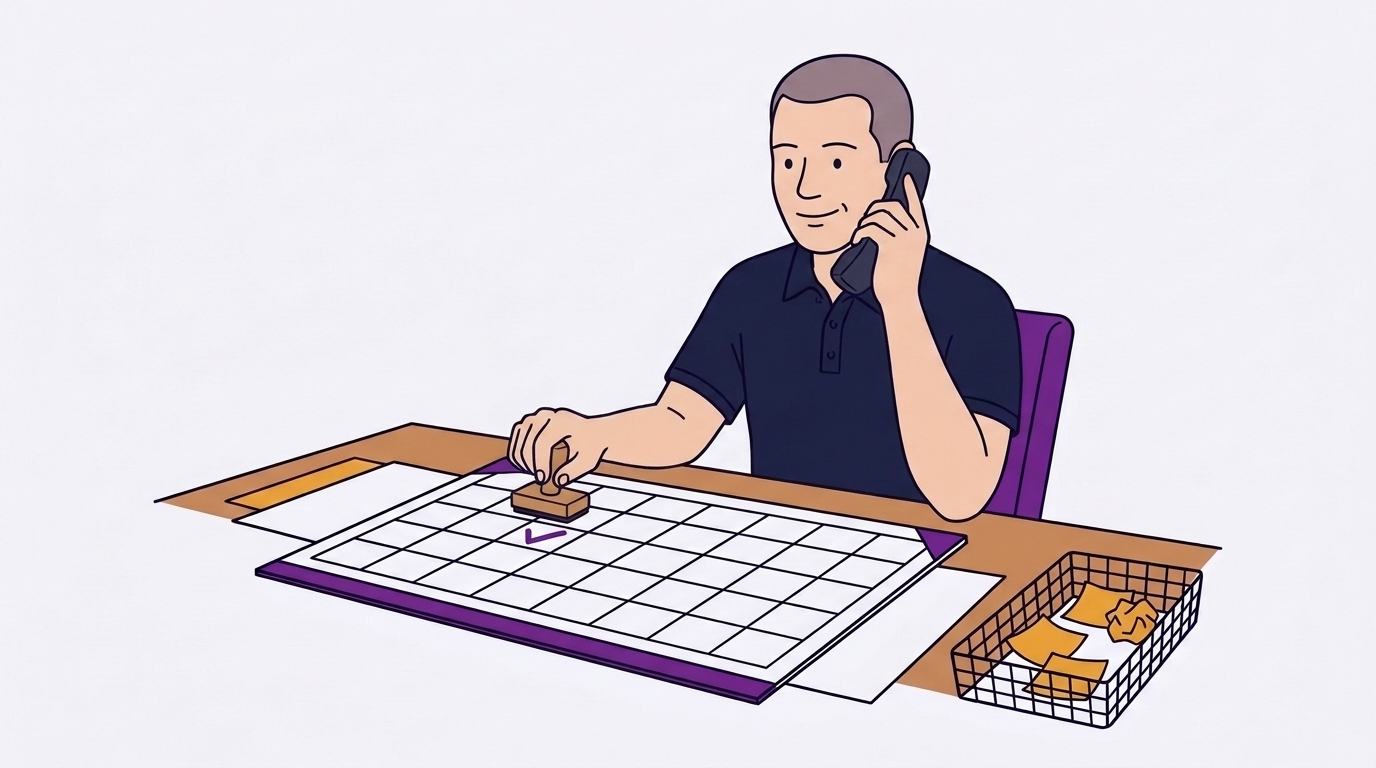

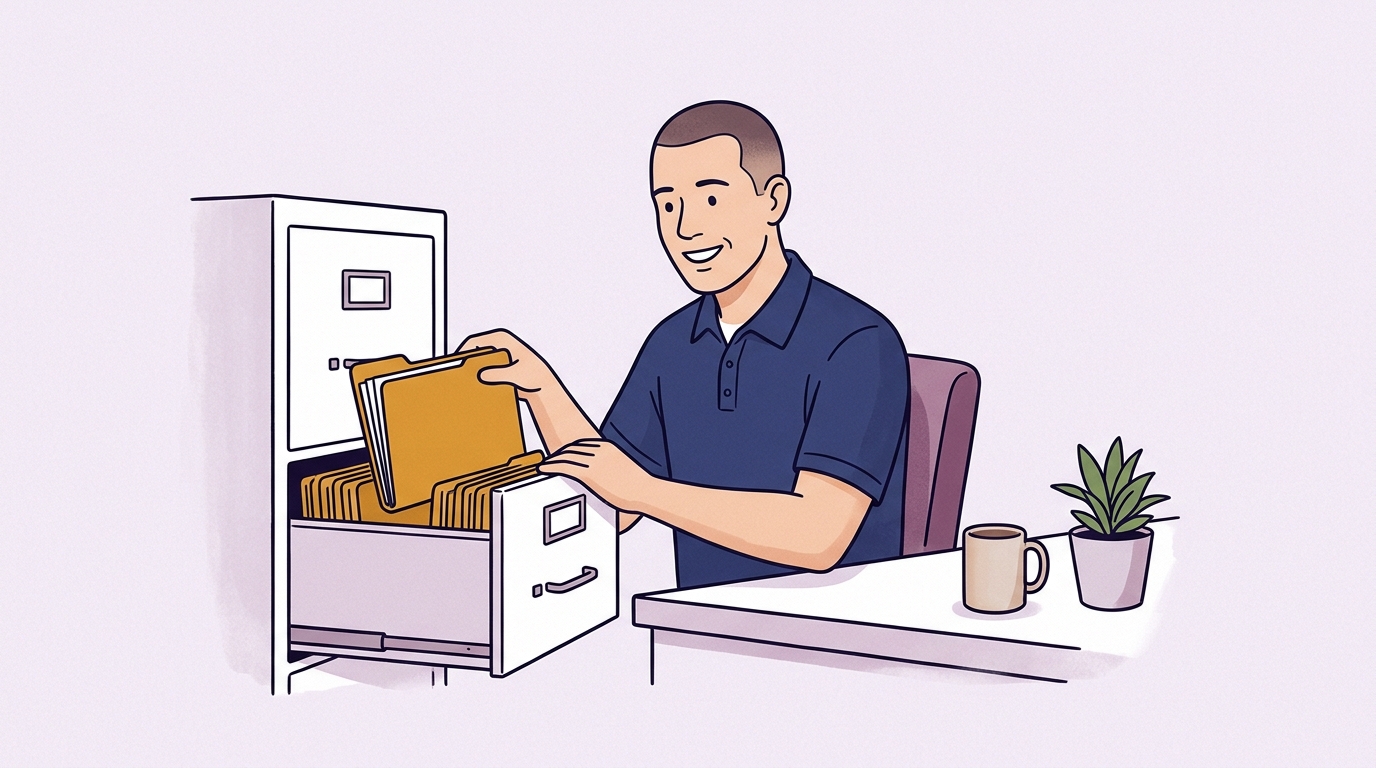
Turn quiet past-customer records into 10 to 25 booked jobs in 48 hours without spending a penny on cold ads.
HVAC customer database reactivation works by sending a short, personal checkup message to homeowners and landlords who already know your company. Instead of paying £150 or more per cold lead on search ads, you wake up dormant contacts sitting inside your CRM and turn quiet weeks into high-margin work.
This is Day 9 of our 15-Day HVAC Systems Series. On Day 8, we used maintenance agreements to flatten seasonal dips. Today we unlock the easiest revenue already sitting in your office software.
Why cold ads drain profit while your CRM sits idle
Most heating and cooling firms spend thousands every month chasing strangers on Google while thousands of past customers sit untouched in their job system. That imbalance quietly destroys your margins.
Research cited by Harvard Business Review and Bain & Company shows that acquiring a brand-new customer costs five to 25 times more than keeping an existing one. Bain & Company's work also found that lifting customer retention by just 5% can increase profits by 25% to 95%.
When you rely on Google Local Services Ads or pay-per-click campaigns, UK contractors routinely pay £35 to £75+ per enquiry—and over £150 per booked job in competitive city postcodes once missed calls and price-shoppers are factored in. Meanwhile, the cost of messaging someone who already has your sticker on their boiler is effectively zero.
| Metric | Cold Google LSA Lead | 1-Click Database Checkup |
|---|---|---|
| Cost per lead | £35 to £75+ (often £150+ per booked job) | £0 in ad spend |
| Homeowner trust | Low (shopping three quotes) | High (already used your team) |
| Typical reply rate | Depends on speed to answer | 8% to 15% on segmented lists |
| Time to fill quiet week | Weeks of ad spend | 10 to 25 jobs booked in 48 hours |

Three dormant customer groups to message first
Never blast your entire database with the same generic advert. Successful dormant customer reactivation starts by splitting your CRM into three clear groups so every message feels relevant and helpful.
- Unbooked estimates (3 to 12 months old): Homeowners who asked for a boiler swap, heat pump quote, or major repair but never booked. They already recognised a problem; often they simply got busy or delayed the decision.
- One-off repair customers (18+ months inactive): People you helped during a winter breakdown two years ago who never joined a maintenance plan. A simple seasonal check-in reminds them you exist before their next fault hits.
- Landlords needing an annual gas safety check: Under the Gas Safety (Installation and Use) Regulations 1998, landlords must arrange a gas safety check every 12 months with a Gas Safe registered engineer. Sending a reminder during the 10-to-12-month renewal window keeps their original expiry date intact and earns you reliable repeat work.
Before you send a single message, spend 20 minutes cleaning the list. Remove disconnected mobile numbers, bounced email addresses, and anyone who has moved house or opted out.
How the 1-Click Database Checkup works
You do not need complex marketing software or a pushy sales script to run a CRM win-back campaign. The 1-Click Database Checkup uses three simple steps that run straight alongside your daily schedule.
- Pick one quiet week and one clean segment: Choose a gap in next week's calendar and export 200 to 400 matching records from your CRM (such as ServiceTitan, Jobber, or Housecall Pro).
- Send a personal two-line text and email: Keep it short, human, and free of corporate jargon. Ask one easy question from a named manager rather than sending a glossy newsletter.
- Offer a 1-click booking reply: Invite them to reply "YES" or tap a single calendar link to claim a seasonal safety check or quote review while engineers are in their postcode.
Across home services benchmarks from Suparev, well-segmented database campaigns average an 8% to 15% reply rate and convert 5% to 15% of contacted records into booked appointments. That math is simple to forecast before you hit send:
48-Hour Reactivation Forecast
Jobsbooked = Ncontacts × Rbook
Example: 250 dormant contacts × 8% booking rate = 20 booked jobs in 48 hours at £0 ad spend.
Notice how this pairs with Day 6's automated estimate follow-up: new quotes get followed up within days, while older unbooked quotes get revived before each season changes.
Lessons from live HVAC reactivation runs
Running CRM win-back campaigns in real businesses teaches three practical rules that protect your office team from chaos:
- Batch sends in groups of 200: Never text 3,000 past customers on a Monday morning. If 10% reply at once, 300 incoming messages will jam your office phone line and leave warm customers waiting hours for a callback. Send in batches of 150 to 200 so your dispatchers can reply within five minutes.
- Write from a person, not a logo: Texts signed by "Mark at Oakfield Heating" consistently beat messages from "Oakfield Heating Ltd." Customers reply to people they recognise.
- Honour UK opt-out rules: Include a simple "Reply STOP to opt out" line on SMS reminders and respect communication preferences in your CRM so you stay compliant and keep goodwill intact.
When you connect your CRM tags, 1-click booking links, and instant reply routing, HVAC customer database reactivation becomes a repeatable switch you can flip whenever a quiet week appears. To see how we set this up without adding admin headcount, explore Axontick's workflow automation service.
FAQ
How should I segment an HVAC customer database before messaging?
Split your CRM into three focused groups: unbooked quotes from the last 3 to 12 months, one-off repair customers inactive for 18 months or more, and landlords due for an annual boiler inspection. Targeted lists avoid generic blasts and regularly double reply rates compared to unsegmented mass messages.
When is the best time to reach out to past customers?
Run reactivation batches two to three weeks before peak winter or summer demand, or during quiet shoulder weeks in spring and autumn. Sending messages when engineers have open calendar slots ensures you can book replies within 48 hours instead of turning away interested past customers.
How fast do we need to reply when a past customer texts back?
Aim to respond within five minutes during office hours, or use automated calendar links that let customers pick an open slot immediately. Warm replies cool off quickly—if a homeowner asks about a boiler service or old quote and waits half a day for a reply, many will call a competitor instead.
Ready to turn old CRM records into booked jobs without paying for cold ad clicks? Schedule an Operations Audit to automate your database checkups, or explore our HVAC automation solutions.
Coming next: Day 10 of our 15-Day HVAC Systems Series
Knowing Your True Capacity — How to calculate your company's exact daily job limit so you never overbook your engineers or burn out your office team as leads pour in.
Want this deployed for your enterprise?
Axontick engineers architect, benchmark, and deploy custom enterprise autonomous systems with guaranteed uptime, sub-second latency, and 100% IP ownership.

Muhammad Asim
Founder @ AxontickFounder of Axontick, specialized in AI automation, Multi-Agent Systems, and enterprise-grade voice agents. Expert in bridging the gap between complex AI technology and practical business solutions.